

Quick Controls
- No movement key → Automatic run and jump. Watch the shooting window develop.
- Left-click → Shoot. Use the moment of alignment.
- Tap → Shoot in supported touch play. Apply the same timing rule.
High Score Tips
- Look for the next target while the current shot lines up.
- Correct an early miss by waiting rather than clicking faster.
- Learn the enemy order before comparing purchased weapons.
Let the hero run and flip automatically, then fire as the weapon's direction crosses each enemy.
- Classification
- Slow Motion
About Shot Trigger
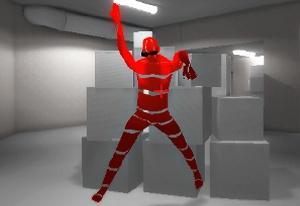
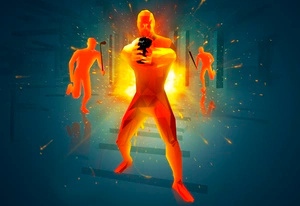
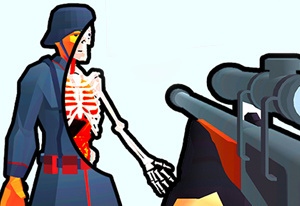
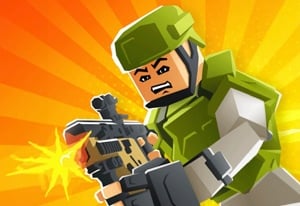
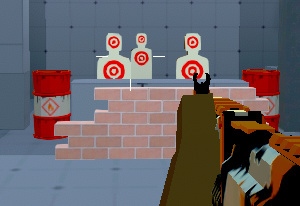
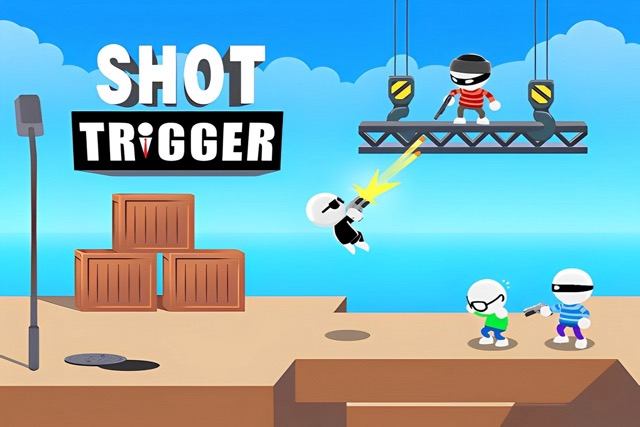
Shot Trigger divides the action between an automatic stunt and a manual shot. The hero runs, jumps, and flips through the scene, while you choose when to fire. Enemies must be handled during that sequence, making the changing weapon direction the cue that matters most.
A jump is therefore a shooting window rather than a platforming command. Read the order in which the firing line reaches the targets, then commit when the alignment is useful. Missing a threat can end the run, and earnings support other weapon choices between attempts. Equipment changes should be evaluated after the timing is understood, because a new gun does not explain a click made before the target was aligned.
How to Play Shot Trigger
Eliminate the threats in each automatic stunt sequence before they stop the run.
- Start the run and allow the hero to enter the automatic jump.
- Locate the first target in the changing weapon direction.
- Click or tap when the firing line aligns, then follow the next target in the same stunt.
- After a failed sequence, revise the missed timing before repeating the attempt.
Controls & Timing
The jump is automatic
Searching for a jump key draws attention away from the firing cue. Observe when the stunt starts and prepare for the first alignment.
Enemy order makes timing readable
Several targets can belong to one sequence. Identify which comes next so a successful first shot does not leave the remainder to a last-second search.
Controls
| Input | Action | When to use |
|---|---|---|
| Automatic sequence | Run and jump | Observe the route without a movement input. |
| Left mouse click | Shoot | Fire during target alignment. |
| Tap | Shoot in touch play | Use the same timed opening. |
High Score Tips
- Track the next alignment. After preparing the current shot, notice where the following enemy sits in the arc. This reduces searching between two close firing windows.
- Diagnose early and late separately. A retry should move the input in the direction that corrects the miss. Faster clicking cannot fix a shot already made too early.
- Keep the sequence familiar when testing equipment. Learn the target order first so the next weapon comparison is not confused with learning the stunt itself.
- Do not keep firing without a cue. Deliberate inputs make it easier to understand which click reached the target and where the next attempt should change.
Key Features
- Automatic stunts: Running and jumping leave shooting to the player.
- Changing firing direction: Alignment during the flip creates the input window.
- Multi-target sequences: Enemy order matters within one jump.
- Weapon purchases: Earnings provide equipment options between attempts.
Frequently Asked Questions
How do I jump?
The hero handles running and jumping automatically. Your main action is the shot during the stunt, so watch the weapon direction rather than searching for a movement command.
Can I freely steer the whole route?
The described challenge uses an automatic route. Concentrate on firing as the line reaches each enemy instead of expecting conventional free movement.
Why can one missed enemy matter?
The sequence continues while the threat remains. Track all the enemies in the stunt rather than assuming the first hit completes the encounter.
Will another weapon remove the need to time the click?
No such rule is assumed. Learn the alignment and enemy order before judging whether the available equipment choice changes the result.